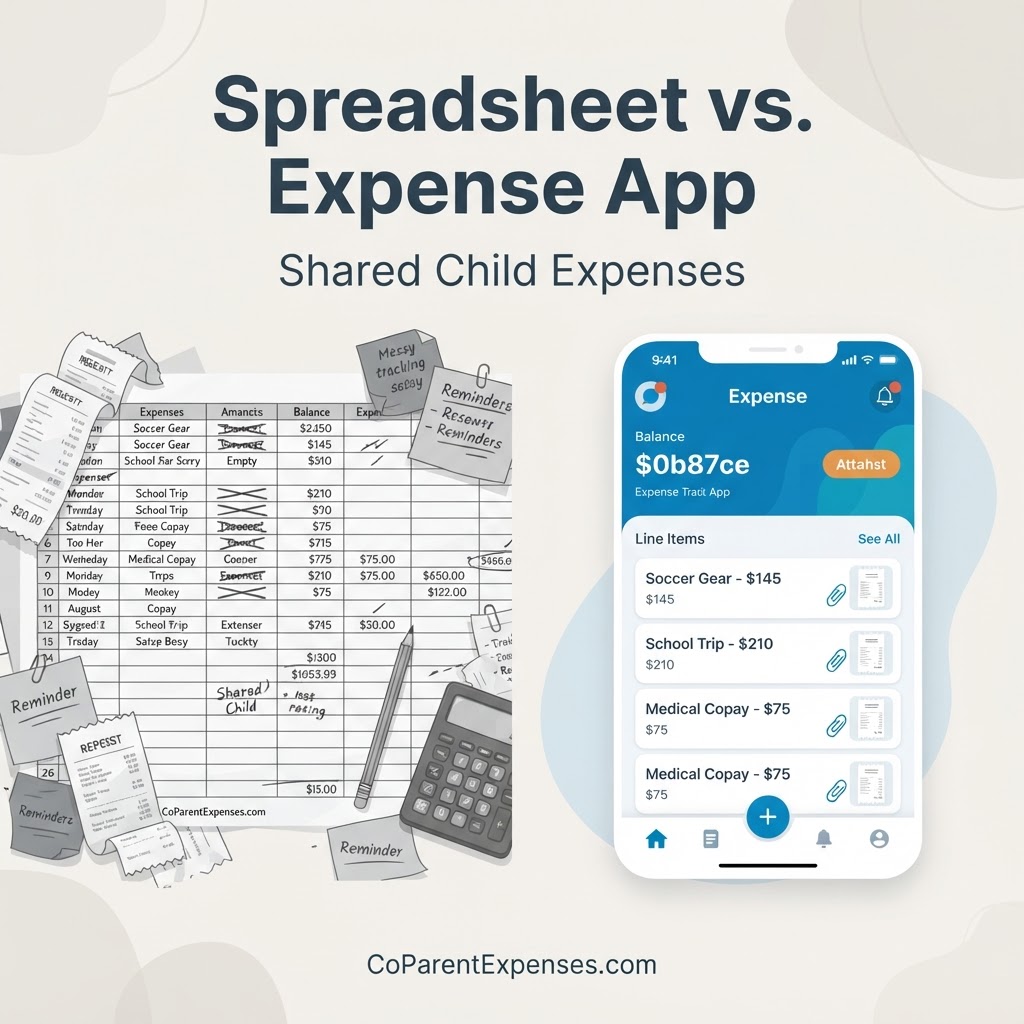
Shared Child Expense Spreadsheet vs. Expense Tracking App
Comparing a shared child expense spreadsheet with a dedicated co-parenting expense tracking app: pros, limits, and when to switch.
CoParent Expenses Team
Written by CoParent Expenses
Table of Contents
Tracking shared child expenses between two households often starts the same way: a spreadsheet. It is free, familiar, and you can open it on any device. For a few expenses a month, that can be enough.
But as receipts, categories, splits, and reimbursements pile up, a shared child expense spreadsheet can start to work against you. This guide compares a spreadsheet with a dedicated co-parent expense tracker so you can decide which fits your situation.
When a spreadsheet works well
A spreadsheet is a reasonable starting point. It works well when your situation is simple:
- You have only a handful of shared child expenses each month.
- Both parents are comfortable editing the same file.
- You do not need to attach receipts to each line.
- Your split is straightforward, like a flat 50/50.
For a basic list of dates, amounts, and who paid, a spreadsheet can capture the essentials without much effort.
Where spreadsheets start to break down
As the number of expenses grows, the cracks show:
- Receipts live in a separate camera roll or text thread, disconnected from the expense.
- Two parents editing the same file leads to version conflicts and lost changes.
- Formulas break when rows are added, reordered, or deleted.
- There is no approval or dispute status, only free-text notes that are easy to misread.
- Reimbursements and a running balance have to be calculated by hand.
- Finding one expense months later means scrolling through hundreds of rows.
- It is easy to forget to add an expense at all.
When reconciling starts taking longer than the spending itself, the spreadsheet has become the problem.
What a dedicated expense tracking app adds
A dedicated co-parent expense tracker keeps everything in one shared place both parents can see:
- Receipts attached to each expense
- Custom split percentages, including 50/50
- Expense approvals and expense disputes
- Reimbursements and a running balance
- Monthly and annual summaries
- Exportable reports for your own records
Instead of maintaining a file, both parents log in and see the same numbers.
Which should you use?
If you track a few expenses and your spreadsheet stays tidy, there is no urgent reason to switch. If receipts are getting lost, balances are unclear, or reconciling takes more time than it should, a dedicated app usually saves time and reduces friction.
Explore how CoParent Expenses works, the features, and pricing to see whether it fits your situation.
Frequently asked questions
Is a spreadsheet good enough for shared child expenses?▾
For a few shared expenses a month, yes. A spreadsheet works well when you only need a simple list of dates, amounts, and who paid. As receipts, splits, approvals, and reimbursements grow, a dedicated app is usually easier to maintain.
When should I switch from a spreadsheet to an app?▾
Consider switching when receipts get buried in messages, the running balance is unclear, two parents editing the same file causes conflicts, or reconciling takes longer than the spending itself.
Can I import my spreadsheet into CoParent Expenses?▾
CoParent Expenses does not currently offer a bulk spreadsheet import. You add shared expenses one at a time, which also gives you a chance to attach the receipt to each. Check the features page for any future changes.
Do both parents need an account?▾
Both parents can join free. Premium features require a paid plan. You can review current plans and pricing on the pricing page.
Start with the record, not the tool
The tool matters less than the record. Whether you use a spreadsheet or an app, capture the date, amount, category, child, who paid, the agreed split, and a receipt for every shared expense.
Start organizing your shared child expenses with CoParent Expenses.
Tired of maintaining the spreadsheet?
Keep shared child expenses, receipts, splits, and reimbursements in one place both parents can see.
Start organizing with CoParent Expenses